Lighthouse
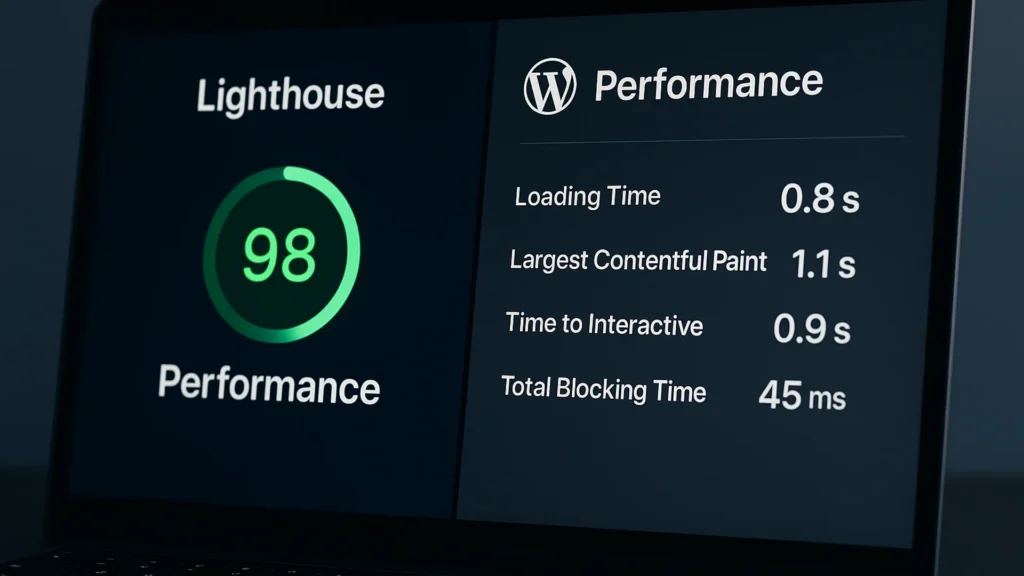
Lighthouse is a free auditing tool from Google that grades a web page and hands back specific fixes across five areas: performance, accessibility, best practices, SEO, and progressive-web-app readiness. Each area scores from 0 to 100, and a performance score above 90 is considered good. You can run it inside Chrome’s developer tools, through PageSpeed Insights, or from the command line for automated testing. One thing to keep in mind: Lighthouse simulates a throttled mid-range phone, so its numbers reflect a lab test rather than your real visitors, which is why you confirm anything important against field data from PageSpeed Insights or Search Console.
Also known as: Google Lighthouse, Lighthouse audit, Lighthouse score, PageSpeed
Where this term comes up
-
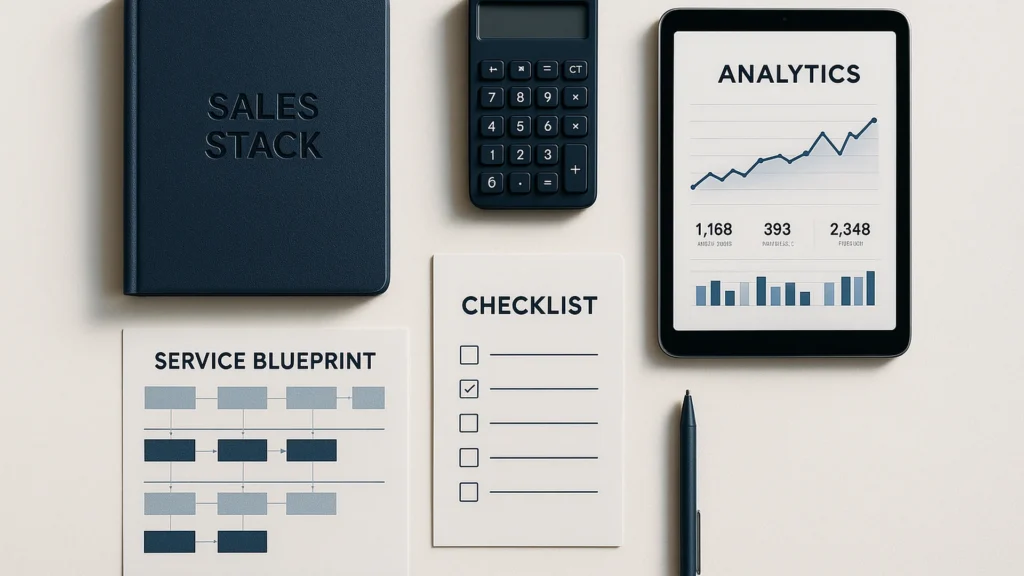
The service business sales stack: six tools, three levers, one audit
A modern sales stack for a service business is six tools, not twenty. Here is what each one does, what most teams over-buy, and the three things that actually move conversion.
-
The One-Day WordPress Audit
Anyone evaluating whether their WordPress site needs a real audit, or evaluating the audit proposal currently on their desk. One day on staging, one afternoon to read.
-
Niagara Falls website design: when your clients aren’t tourists
Business website design in Niagara Falls for businesses behind the tourism economy: professional services, healthcare, training programs. Sites for year-round clients.
-
Accessibility statement
How accessibility is handled on thisismyurl.com and in client work: WCAG 2.2 AA target, known limitations, AODA context, and how to report a barrier.
-
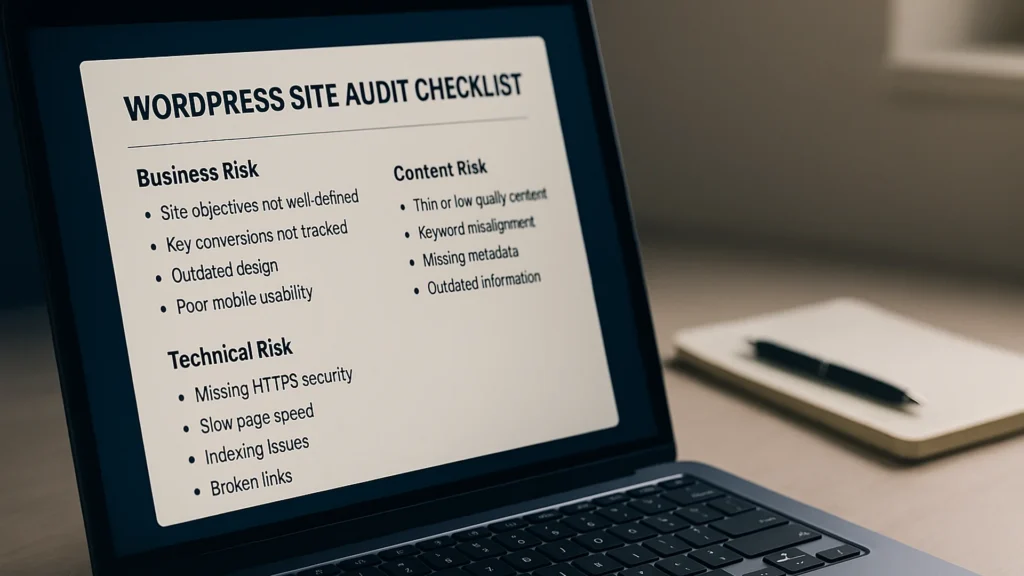
The WordPress site audit most agencies skip in 2026
A WordPress site audit done well takes a day and surfaces three to five issues. Done badly, it produces a 40-page PDF nobody reads. Here are the 12 checks that earn the day.
-
Lighthouse scores vs real WordPress performance: what actually matters
Lighthouse scores measure what a 30-second synthetic test sees. Real WordPress performance is the user, page, and template view. Here is how to audit it.
Glossary entries are a starting point. The real question is usually what to do about the thing once you understand it.
When you are ready to go further, the related guides take this from definition to fix.
And if you would rather just ask a person, I read everything that comes to christopher@thisismyurl.com.
I have been working in WordPress since 2007, so most of these terms come with a story.
Still mapping the basics? The full glossary is here whenever you need it.