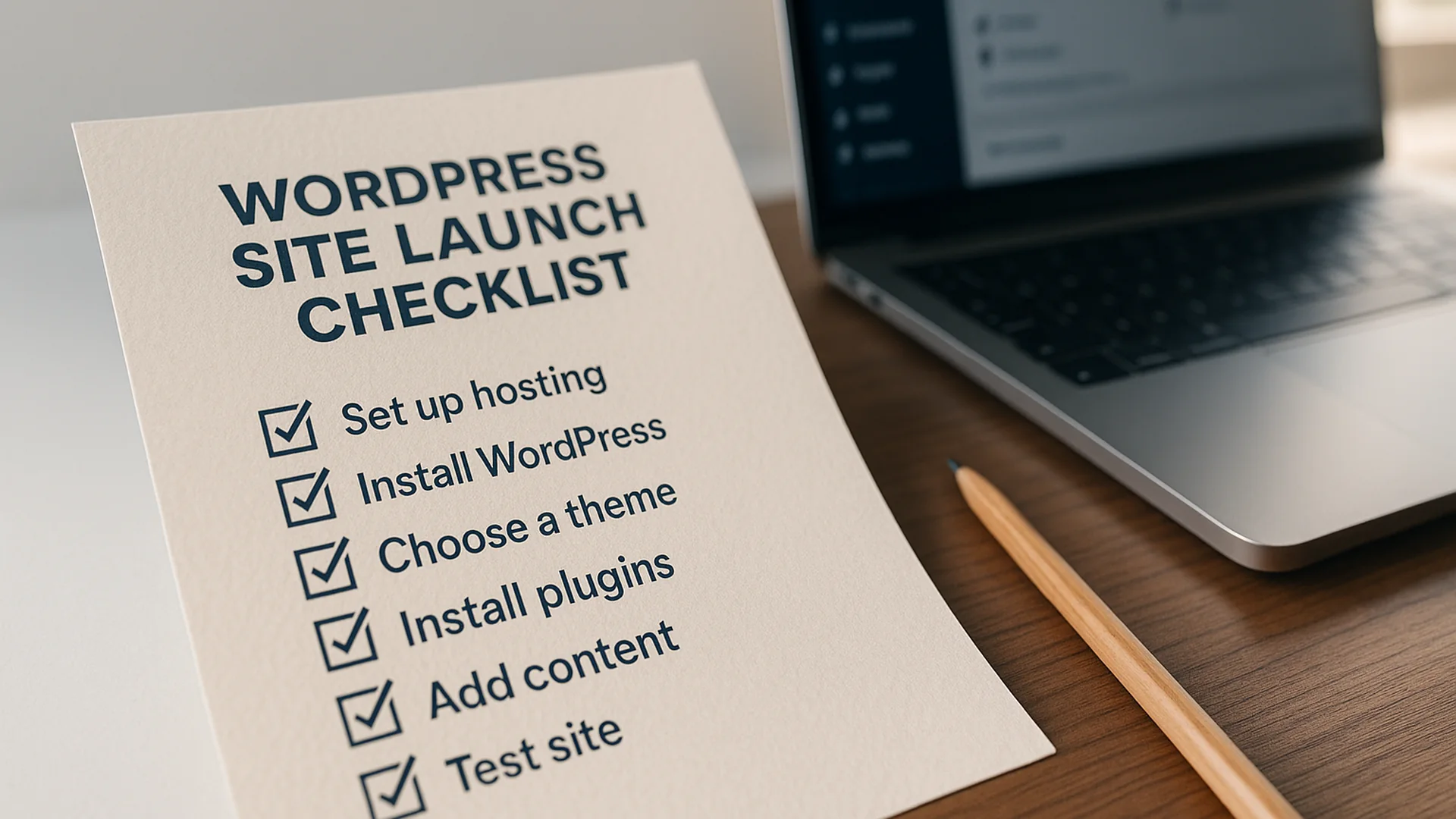
A practical pre-launch checklist covering performance, SEO, security, redirects, and testing. Everything I verify before taking a WordPress site live, in the order I work through it on launch day.
Performance checks
- LCP under 2.5s on the homepage and top three landing pages, throttled mid-tier mobile
- CLS under 0.1 across header, hero, and any above-the-fold ad or embed slots
- INP under 200ms on the primary CTA, the main nav, and any cart/booking interaction
- TTFB under 600ms from the closest CDN edge; under 800ms from a representative far-edge city
- Object cache (Redis or Memcached) confirmed live, not just installed
- Page cache hit ratio above 90% in a 24-hour soak test on staging
- All images served as WebP or AVIF with a JPEG fallback for the two largest hero images
- No image larger than 200KB on a landing page; no image wider than 2x its rendered size
- Critical CSS inlined for the homepage and one representative landing template
- Render-blocking JS deferred or async; jQuery removed from the front end if the theme allows
- Database queries on the homepage under 50; no N+1 query patterns in the loop
- Autoload options under 1MB; bloated rows from removed plugins purged
Note: I run Lighthouse and WebPageTest on a real throttled connection, not just DevTools. The DevTools “slow 4G” preset is more generous than what users on a regional carrier actually experience.
Note: object cache “installed” and object cache “working” are different states. Run
wp redis status(or the equivalent for your cache layer) on the live host before signing off.
SEO checks
- XML sitemap accessible at
/sitemap.xmlor/sitemap_index.xmland returns 200 robots.txtreferences the sitemap and does not block CSS, JS, or image directoriesnoindexremoved from Settings > Reading; verified by viewing the homepage source for<meta name="robots">- Canonical tags resolve to the production domain on every public template
- OG and Twitter card tags present, and the OG image renders at 1200×630 with no critical text cropped
- Schema validates clean against schema.org for at least Organization, WebSite, and the primary content type (Article, Service, LocalBusiness)
- All redirect chains collapsed to single-hop (no 301 to 301 to 200)
- Old-URL to new-URL redirect map tested in batches: at minimum the top 50 historical pages by inbound link count
- Trailing-slash policy consistent across the site; mismatched URLs 301 to the canonical form
- Internal links updated from any staging or dev hostname to the production hostname
- H1 present and unique on every public template; no template ships with two H1s
- Image alt text present on every content image; decorative images use empty
alt="", not missing attributes
Note: the WP-CLI
search-replacepattern handles serialized data. Raw SQL find-and-replace will silently break widgets, theme mods, and any plugin storing serialized arrays inwp_options.
Note: validate schema with the Rich Results Test against the live URL after launch, not just the staging URL. Some plugins inject different schema based on
is_admin()or environment constants.
Security checks
- WordPress core, every active plugin, and the active theme on current stable
- Inactive plugins and themes removed entirely, not just deactivated
wp-config.phpdenies direct access via Apache or nginx config, not just file permissions- File permissions set to 644 for files and 755 for directories;
wp-config.phpset to 600 if the host allows - Salts in
wp-config.phprotated from whatever the dev environment used - Default
adminuser does not exist; primary admin uses a non-obvious username - All admin accounts on strong passwords; 2FA enforced for any user with
edit_postsor higher - XML-RPC disabled if the site does not actively need it (Jetpack, mobile app, or specific integration)
- REST API user enumeration endpoint blocked or filtered to authenticated requests
- HTTPS enforced site-wide via HSTS header with a sensible max-age; mixed-content warnings cleared from every public template
Note: rotating salts logs every existing user out. Do this before launch announcement traffic, not during.
Note: a security plugin is not a substitute for a maintained host. If the host stack is unpatched, the plugin is decoration.
Functionality checks
- Every form on the site submits successfully and the recipient receives the email within 60 seconds
- Form spam protection live and tested with a known spam pattern; honeypot or hCaptcha confirmed firing
- Transactional email sends through SMTP or an API service, not the host’s
mail()function; SPF, DKIM, and DMARC pass - Search returns relevant results for the top 10 expected queries; empty-state copy is human, not the WP default
- 404 template renders cleanly and offers a useful next step (search, sitemap link, or routing nav)
- Comments either fully disabled or fully moderated; no template ships with the default “Leave a Reply” stub on a page that should not have it
- WooCommerce or booking flow tested end-to-end with a real card or sandbox transaction, including the receipt email
- Login, password reset, and account-creation flows tested from a clean browser session
- Site renders correctly on the latest two versions of Chrome, Safari, Firefox, and mobile Safari
- Keyboard navigation reaches every interactive element; visible focus state present on links, buttons, and form fields
Note: send the test transactional email to a Gmail address, an Outlook address, and one self-hosted address. Deliverability differs sharply across them and the launch announcement is a bad time to discover Outlook is filing you as spam.
Analytics and monitoring
- Analytics tag (GA4, Plausible, Fathom, or whichever) firing on every public template; verified via the platform’s real-time view, not just the tag manager preview
- Conversion events configured for the actions that matter: form submissions, phone clicks, booking completions, file downloads
- Search Console verified for both the bare domain and the
wwwvariant, with the canonical version set - Sitemap submitted to Search Console and Bing Webmaster Tools
- Uptime monitor active against the homepage and one transactional URL, with alerts routed to a channel that someone actually checks
- Error logging configured server-side; PHP errors not displayed to public visitors
- Backup schedule confirmed running, with at least one successful restore tested from the backup before launch
- Performance budget documented somewhere the next person will find it (a
READMEin the theme is fine), so a future plugin install does not silently regress LCP
Note: a backup you have not restored is a hope, not a backup. Pull a recent backup down to a local environment and bring the site up from it before signing off.
Post-Launch
- DNS TTL lowered to 300 seconds 24 hours before cutover, restored to a sensible value 48 hours after
- Old hosting kept live and reachable for at least 14 days after cutover in case of a rollback
- Search Console “Change of Address” submitted if the domain itself changed
- Top 20 historical landing pages re-crawled with a tool like Screaming Frog and confirmed returning 200 or a clean 301
- Real User Monitoring data reviewed at the 48-hour mark; any regression against pre-launch benchmarks investigated before week two
- First weekly Search Console review scheduled in the calendar; first monthly performance review scheduled
- Client or team handed a one-page “what to do if the site goes down” runbook with the host support number, the backup restore procedure, and the on-call contact
- Plugin and theme update policy agreed in writing: who updates, on what cadence, on what staging environment
- License keys for premium plugins transferred to the client’s account, not left tied to the agency’s. The plugin licence cost calculator totals what those renewals come to in a year, which is the number that surprises people
- Launch debrief scheduled with the client at the 30-day mark to review what worked, what surprised them, and what to address next
This checklist is meant to live somewhere you can pull it up the morning of every launch, not to be read once and forgotten. I revisit mine roughly every six months and prune items that have become defaults at the host or browser level, and add new ones as the platform shifts. The day a launch goes sideways is the day you learn which item on the list you skipped, so the discipline is to work through every box even on the launch you are confident about.
Other downloads from this practice
- Content Planning Template. A planning template for service businesses sizing a quarterly content effort.
- Excel Training Prep Checklist. A 30-minute planning guide for team Excel training sessions.
- The WordPress Site Audit Most Agencies Skip in 2026. The audit checklist this pre-launch checklist routes into.
Prefer someone else to run through this before your launch?
I run this checklist, or a version of it tailored to your stack, as a half-day pre-launch review. You get a written sign-off and a prioritized list of anything that needs resolving before the DNS cut. If launch day is close and you want a second set of eyes, a discovery call is the fastest way to find out whether the timing works.
Common questions
What should I check before launching a WordPress site? The essentials are performance and Core Web Vitals, on-page SEO and metadata, security hardening, redirects from any old URLs, and cross-browser and mobile testing. This checklist walks through each one in order.
Is this checklist free? Yes. It is a free download you can print and work through before you go live.
When should I run a pre-launch check? Right before launch, once the content is final and the site is on its production setup, so you are testing what will actually go live rather than a staging guess.
Do I need a developer to use it? Most items you can check yourself. A few of the more technical ones, like server-level performance or redirect rules, are easier with a developer.
Leave a reply