

Latest articles

Moodle to WordPress: when the move is the upgrade, and when it isn’t
How to migrate from Moodle to a WordPress LMS stack with user mapping, course parity, enrollment continuity, and reporting validation.

What WordPress 7.0’s AI layer means for plugin developers and buyers
A practitioner's read on WordPress 7.0 — the AI infrastructure it shipped, the real-time collaboration it pulled, and what the release means for plugin developers and platform buyers.

The week the platform moved, and the teaching had to keep pace.
The week WordPress 7.0 landed: shipping a calm launch-day answer, updating the courses to match, a new free plugin, and joining Post Status.

The week the validators were the actual launch.
The podcast went live this week with five episodes and a long tail of feed-validator fixes, a 4.8-second mobile LCP on my own homepage finally got the four-agent diagnosis it deserved, and a Saturday-morning emergency plugin release made Monday's post about standing commitments suddenly literal.

WordPress on a Government Discovery Call — Eight Questions a Senior Buyer Should Ask
Senior procurement buyers come to WordPress discovery calls with a checklist. Here are the eight questions worth asking — and what a senior consultant's answers should sound like.
WordPress 7 is here. Here’s what’s new and what to do.
WordPress 7 shipped today. If you run a WordPress site, here is what changed, what matters, what to actually do about it, and the one feature that got pulled at the eleventh hour.
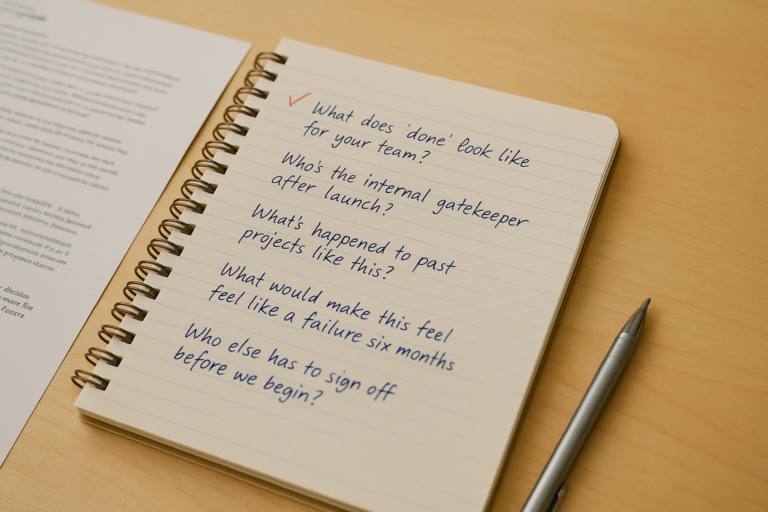
The 20-Minute Discovery Call — What I Ask, Why I Ask It, and What a Good Answer Sounds Like
The questions Christopher asks on a 20-minute WordPress discovery call, why he asks them, and what a procurement-quality answer sounds like for each one.
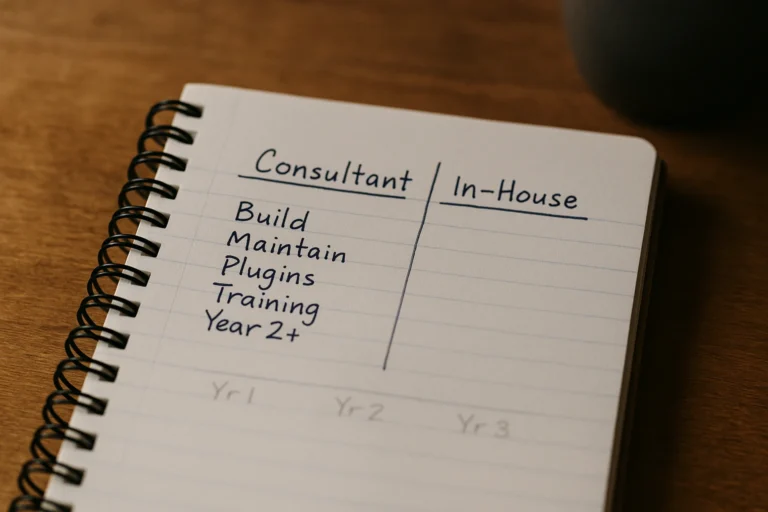
What a $275/hr WordPress consultant costs you over three years — and when the $75k in-house junior is the better buy
A defensible three-year total cost comparison between hiring a senior WordPress consultant and adding a junior developer in-house. Real numbers, both directions, no agency math.

What you owe the people still running your old code
Your name on a plugin in the WordPress.org directory is a standing commitment. As long as the listing is live, that code is installing on new sites that trusted the directory, and by extension trusted you.
The week I gave opinions their own schema
Another renovation week: opinions got their own post type, the training page finally got the rewrite it was asking for, and an EEAT audit on my own site surfaced exactly the kind of schema drift I'd quietly flag in a client engagement.