Course video in 2026: where to host it, and how to make sure every learner can watch
Video hosting is three decisions, not one. SEO/discovery, on-site conversion, and private delivery each want a different host. Here is how to pick for each.
The first time a learner emailed to tell me a WP101 lesson had stopped playing overnight, I knew what had happened before I finished reading the message. The signed URL behind the video had expired while their browser tab sat open, so the lesson they had paid to watch came back the next morning as a permissions error. That particular gotcha is buried four levels deep in someone else's documentation, and I only know it because I run that video myself, on this site, for real learners.
I get asked "should we just put the course on YouTube™?" more than any other video question, and my answer is always the same. It depends on what the video is doing. A marketing clip and a course lesson look identical in the upload dialog and could not be more different in what they actually need. Get the difference wrong and you either hand your learners' attention to a competitor's thumbnail, or, worse, you lock some of them out of the lesson entirely.
So here is the frame I wish more education teams started from. A teaching video carries two jobs a marketing video never does. It has to stay with the people who enrolled, and every one of those people has to be able to watch it. Cost comes third. Get those first two right and the list of hosts gets short.
The two jobs a teaching video has to do
A marketing video wants to be found. You want it in front of strangers, on as many screens as possible, and you measure it by reach. A course video wants the opposite. It should reach exactly the learners who signed up, and it should reach all of them.
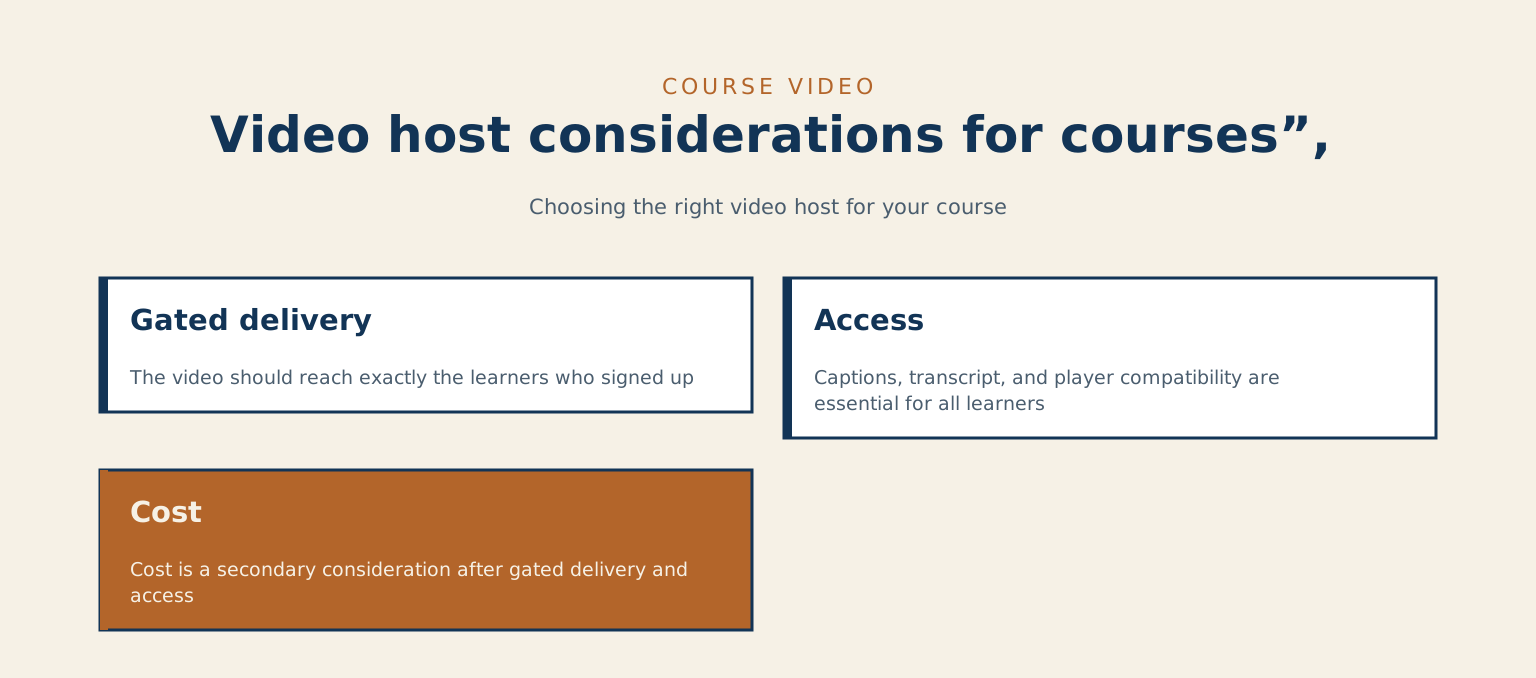
That flips the whole decision. Discovery, the thing YouTube is unbeatable at, matters for a trailer. What you want instead is gated delivery, so the video stays behind the enrolment, and access, so no learner is left staring at a player they cannot use. Those two demands quietly rule out the easy default and point you at a much shorter list of hosts.
A teaching video carries two jobs a marketing video never does.
Access is the job
Captions, a transcript on the page, and a player that works with a keyboard and reads cleanly to a screen reader. On a teaching video these decide whether the lesson works at all, long before anyone gets to the compliance checklist.
Picture the learners who actually open your course. One is watching at eleven at night, the evening before an assessment, in a room where other people are asleep, so the sound is off and the captions are the lesson. Another reads English faster than they hear it, so the transcript is how they keep up. A third is deaf or hard of hearing. Someone else is on a train with two bars of signal, scrolling the transcript because the video will not load. Captions and a transcript serve every one of them at once, and the learner who does not need them loses nothing. For the ones who do, they make the lesson possible.
Captions and the school-board line
In Canada and the institutions I build for, this is also the line between a course you can sell to a school board and one you cannot. The W3C's success criterion 1.2.2 is the one that asks for captions on prerecorded video. But I would put the captions on even if no rule asked me to, because a lesson a learner cannot follow is not a lesson. It is a video you were paid to make watchable and did not.
Why unlisted YouTube is not a private classroom
One shortcut is to upload the course to YouTube, mark the lessons unlisted, and call them private. Unlisted means anyone holding the link can watch, and anyone with the link can reshare it, so treat an unlisted lesson as a public video with a quiet address.
Two more things bite you the moment you embed that player in a course. The first is related videos. When a lesson finishes, the player shows them, and YouTube's player documentation says you cannot switch that off, only limit it to videos from the same channel. The second is the consent banner. YouTube's embed help describes a privacy-enhanced mode, served from a separate youtube-nocookie.com domain, because the standard embed ties views to the viewer's YouTube experience. I moved the WP101 course off an embedded player partly to kill that banner. It was the thing that surprised me least and annoyed me most, a cookie dialog standing between a paying learner and lesson one.
The five ways to host, read through a teaching lens
I have run, tested, or pulled apart all five of these for one client or another. Here is how each one reads once you judge it as a place to keep course video rather than as a place to get famous. Vendor pricing was last read against the vendor pages on 2026-10-11, every figure is USD unless I say otherwise, and this stuff moves, so verify against the vendor's own page before it goes in a budget.
YouTube, Vimeo and VideoPress
YouTube is free and effectively uncapped, and it is the only real answer for the discovery side of your marketing, the trailer and the free sample lesson you want strangers to find. It is the wrong home for the classroom itself, for every reason above. Use it to sell the course.
Vimeo™, at $12 to $75 per seat a month, gives you a clean player with no ads before, after, or on the video, captions, and privacy controls that are solid enough for team training or a course behind a single password. It is the simplest paid option when the gating bar is "behind a password" rather than "one login per learner."
VideoPress™, the Jetpack™ option, is built for WordPress, and you manage the videos in the media library. It fits a site already on Jetpack and lessons that live inside post content. Its page lists setting a video as private, which is thinner than the controls a real learning management system wants.
Cloudflare Stream and self-hosting
Cloudflare™ Stream is the managed option. Cloudflare runs the encoding, delivery, and gating, and there is no public gallery where anyone browses your videos. It hands you signed-URL gating, a very light embed, caption tracks, and per-minute billing. For an LMS where every lesson needs to be locked to a logged-in learner, it is the strongest fit on this list.
The fifth option is self-hosting on a content delivery network, your files on Cloudflare R2, Bunny.net™, or Amazon S3™ with CloudFront™, played through a clean HTML5 video element. You own the file and the player and the total cost stays low, but the chrome is your problem. No dashboard out of the box, transcoding to arrange, captions to wire, the player to build.
The five against the two jobs
Side by side, judged on the two jobs a lesson has to do:
| Host | Best for | Gating | Captions | Cost (USD, checked October 2026) |
|---|---|---|---|---|
| YouTube | Discovery: the trailer and the free sample lesson | Public or unlisted only; the link is the access | Auto-generated, then cleaned by you | Free |
| Vimeo | Team training, or a course behind a single password | Password protection and restricted access | Uploaded transcripts, or automated captions | $12 to $75 per seat a month |
| VideoPress (Jetpack) | A site already on Jetpack, lessons inside post content | Videos can be set as private | Subtitles and captions supported | See your Jetpack plan |
| Cloudflare Stream | An LMS where every lesson is locked to a logged-in learner | Signed URLs, tokens up to 24 hours | Uploaded WebVTT track, or generated | $1 per 1,000 delivered minutes; storage $5 a month per 1,000 minutes |
| Self-hosted on a CDN (R2, Bunny.net, S3 with CloudFront) | Owning the whole stack, with the engineering time to wire it | Signed URLs you build yourself | WebVTT track you supply | Low; the player, transcoding and dashboard are your job |
Cloudflare Stream, from a working course
I use Stream for the WP101 course on this site, so what follows is from a running install rather than a marketing page.
The embed is genuinely light. Stream's player loads one script and drags no ad-tracking beacons along behind it, which on a course page you care about because a slow lesson is a lesson learners abandon. The gating is the real reason to pick it over Vimeo. You get time-limited signed tokens, up to twenty-four hours, optionally restricted by address or country. Captions ride along as an uploaded WebVTT track, so the accessibility layer lives with the video instead of being reinvented per page.
What the delivery bill looks like
The pricing rewards exactly the course pattern, one video delivered many times. Fifty minutes of lessons delivered to a thousand learners a month is fifty thousand delivered minutes, which at one dollar per thousand delivered minutes lands near fifty dollars a month. Storage is sold in five-dollar blocks of a thousand minutes, so those fifty minutes sit inside one block.
The overnight-tab error
And here is where my learner's overnight email came from. That twenty-four-hour token is a maximum. The default token lasts one hour. If a learner opens a lesson, walks away, and comes back the next day, the signed URL sitting in their tab has expired and the video returns a permissions error on resume. Either you accept the page reload and tell learners why it happens, or you wire a small handler that fetches a fresh token when the tab comes back into focus. The docs mention it, in a line that is very easy to skim past. I skimmed past it, and a learner found it for me.
The coffee analogy: same pot, different amount of brewing
When a client asks me which of these is simply "best," I reach for coffee. Every cup starts from beans and water, but the grind, the roast, and what you pour in change the result completely. Self-hosting and Stream pour from the same pot here. Both give you a light player and signed-URL gating and captions. The only real difference is how much of the brewing you want to do yourself. Self-hosting hands you full control of the file and the player in exchange for wiring it all together. Stream hands you the same outcomes with the wiring already done, in exchange for living on someone else's platform. They are the same cup made two ways.
Where captions and transcripts actually come from
This is the step teams forget, so decide it before you pick a host. YouTube auto-generates captions you then have to clean, because the raw machine pass mangles names and terms. Vimeo takes uploaded transcripts and offers automated captions. Stream and self-hosted both take a WebVTT track you supply, and both leave the on-page transcript to you.
Put that transcript on the lesson page on purpose. It is the accessibility layer first, the thing that lets a learner read what they cannot hear. It happens to double as indexable text and as a study aid learners can search, but lead with the access reason, because that is the one that decides whether the lesson reaches everyone. For a content team this is a one-time template task rather than a per-video chore, but only if someone owns it. On the WP101 lessons, that someone was me, and I only learned it was mine to own after Stream handed me a clean player and quietly handed the captions and schema back.
A short decision before you commit
List the videos you will publish in the next year and label each one discovery, conversion, or private. Group them. For anything labelled discovery, the free sample and the trailer, default to YouTube and let strangers find it.
For the course itself, two things are not up for debate. It has to be gated to your learners, and it has to be captioned and transcribed. Default to Cloudflare Stream with signed URLs, because it gives you both without heroics. Reach for self-hosting instead if you want to own the whole stack and have the engineering time to wire the player and the token refresh. Reach for Vimeo if the gating bar is genuinely just "behind a password." Whichever you pick, write down where the captions, the transcript, and the poster image come from for every lesson. If the honest answer is "the instructor's spare time," the access work will not happen, and you will find out from a learner rather than a report.
| What the video is | Default to | Why |
|---|---|---|
| Discovery: the free sample lesson and the trailer | YouTube | Lets strangers find it |
| The course itself, gated to your learners and captioned and transcribed | Cloudflare Stream with signed URLs | Gives you both gating and captions without heroics |
| You want to own the whole stack and have the engineering time to wire the player and the token refresh | Self-hosted | Full control of the file and the player, in exchange for wiring it all together |
| The gating bar is genuinely just “behind a password” | Vimeo | A clean player with password protection is enough |
If the honest answer is "the instructor's spare time," the access work will not happen, and you will find out from a learner rather than a report.
When to bring someone in
The moment I would bring in outside help is a migration. A course already sitting on embedded YouTube, moving to a gated workflow while trying to keep the pages that rank, needs a redirect plan and a caption plan written before anything moves. Standing up Cloudflare Stream for an LMS build is the other one. The signed-URL token mint, the refresh handler that stops the overnight-tab error, and the per-learner access rules are worth doing correctly the first time, because the failure mode is a learner locked out of a paid lesson at seven in the morning.
If your team is arguing about video hosting and nobody can say plainly what each video is for, that conversation belongs to whoever owns the learning experience before it belongs to whoever owns the servers. Start by watching one of your own lessons the way a real learner does. On a phone, late at night, with the sound off, ideally on a train with two bars of signal. Whatever you cannot follow that way is the first thing to fix.
When a learner last told you a lesson would not play, what had gone wrong?
Checked against YouTube Help on privacy settings, the YouTube player parameters, YouTube embed help, Cloudflare Stream security and pricing, Vimeo pricing and Jetpack VideoPress, on 2026-10-11.
References
- Change video privacy settings, YouTube Help
- YouTube Embedded Players and Player Parameters, YouTube IFrame Player API, Google for Developers
- Embed videos and playlists, YouTube Help
- Use automatic captioning, YouTube Help
- Secure your Stream, Cloudflare Developers
- Pricing, from the Stream documentation
- Add captions, Cloudflare Stream
- Pricing plans, Vimeo
- Jetpack VideoPress, Jetpack
- Understanding Success Criterion 1.2.2: Captions (Prerecorded), W3C WAI
- WebVTT: The Web Video Text Tracks Format, W3C
Read next
- The WordPress site audit most agencies skip in 2026. The audit that catches video-pipeline mistakes, captions and gating included, before they reach a learner.
- Lighthouse scores vs real WordPress performance. Where video weight starts costing real-world performance, and what to measure instead of the badge.
- Website over-optimization: how to spot it and fix it. The other half of the performance conversation, knowing when you have gone too far.
Getting course video right, so every learner can actually watch, is one piece of building a learning platform that holds up under real students. If you are standing up or fixing a course and want the delivery done properly, that is the work I do. Start with a call.