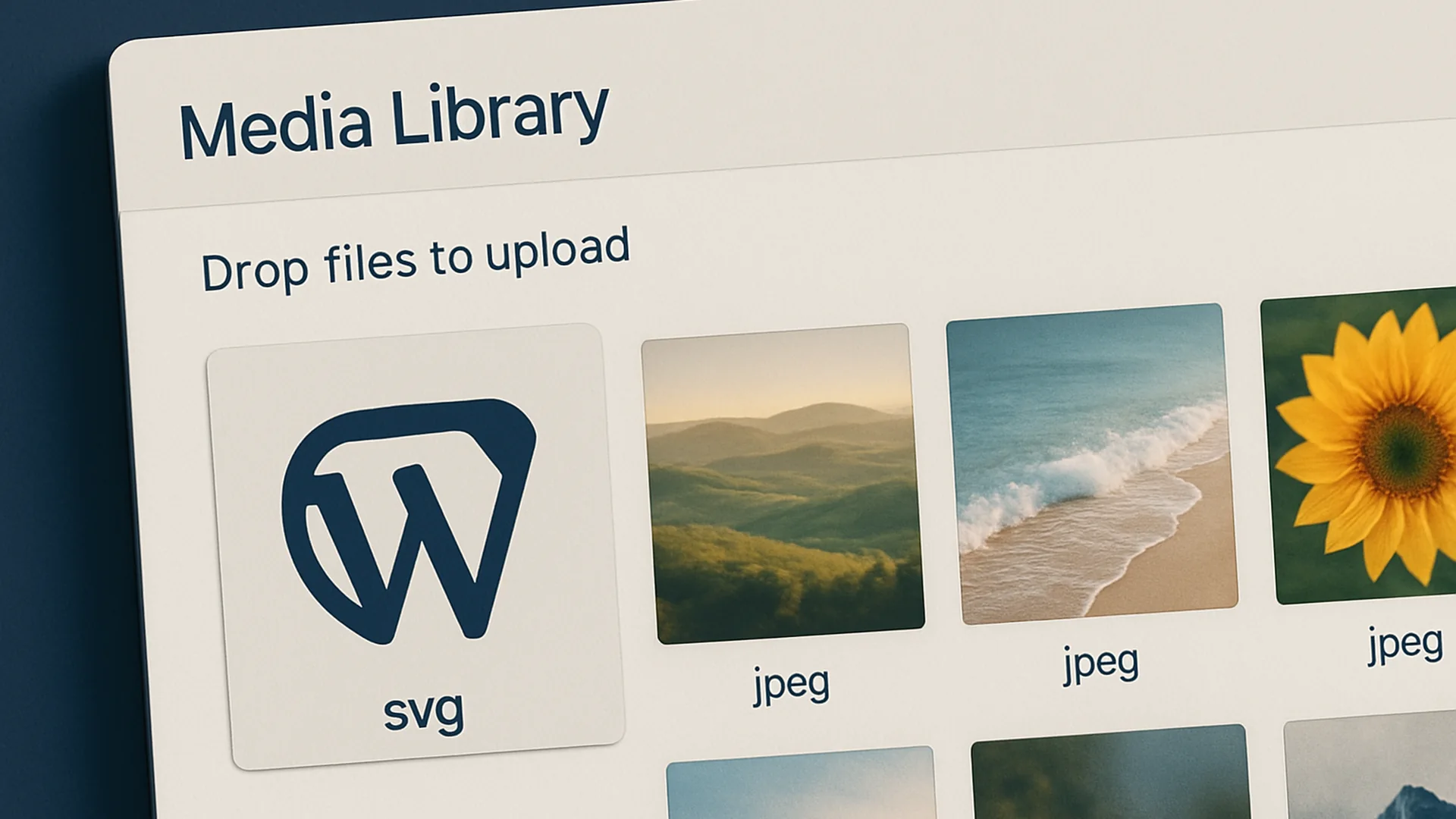
Why doesn’t WordPress let you upload SVG (Scalable Vector Graphic) (SVG) by default? Because raw SVG is XML, and XML can carry script payloads the browser will execute. WordPress’s “no” is the safe default, not an oversight. This plugin reverses that “no,” but only after running every uploaded SVG through a sanitizer that strips anything executable. You get the visual benefit (4 KB instead of 40 KB, sharp on every display density) without inheriting the security cost.
What you get
- SVG uploads enabled across the Media Library, post editor, and theme customizer
- Every uploaded SVG sanitized server-side: script tags, event handlers, and external references stripped
- Inline SVG rendering preserved so CSS and animation still work in the front end
- MIME-type registration so WP recognizes
.svgas an image, not an unknown attachment - No settings page: install, activate, upload
Who it’s for
WordPress site owners who use logos, icons, or illustrations and want them to stay sharp at any zoom or display density. Especially useful if you’re running a site with strong branding (you want the logo crisp on a 5K display) or shipping content-heavy pages where image weight matters and a 4 KB SVG outperforms a 40 KB PNG every time.
How to install and verify
- Download the plugin .zip from the button below.
- Upload via WordPress Admin → Plugins → Add New → Upload Plugin → Install Now → Activate.
- Activate. SVG uploads are enabled immediately. There is no settings page to find: the plugin registers the MIME type and hooks the upload pipeline on activation.
- Verify it’s working. Go to Media → Add New, drop an SVG file in. Before this plugin you’d get “Sorry, this file type is not permitted.” After, the SVG uploads, displays a thumbnail, and is ready to insert into a post. If the upload still fails, check that your hosting provider hasn’t blocked SVG at the server level.
A note on the sanitizer: the plugin uses a battle-tested SVG-cleaning library to strip anything that could execute: <script>, onclick, xlink:href pointing at JavaScript URIs, the lot. Animation via SMIL and CSS keyframes still works. If you’re feeding the site SVGs from random third parties, don’t disable sanitization.
Why I didn’t add a sprite-sheet helper
Every other SVG plugin tries to be a full icon-sprite system: dynamic <use> references, build-time concatenation, Instructional design (ID) rewriting. That’s a fine architecture for a single-page app, it’s the wrong architecture for WordPress, where editors need to insert imagery via the Media Library and the block editor. This plugin stays focused on the actual question editors keep asking: “why won’t WordPress let me upload an SVG?” and answers that question only. If you need a sprite system, build it in your theme and load it via wp_enqueue_scripts; this plugin shouldn’t try to be that.
File details
- Version: 1.0.0
- Last updated: December 19, 2025
- Format: .zip (single PHP file with bundled sanitizer)
- License: GPL-2.0-or-later
- Tested with: WordPress 6.7 · PHP 8.1+
Other downloads from this practice
- WordPress WebP Plugin. Auto-convert new image uploads to WebP at upload time.
- WordPress HEIC Plugin. Auto-convert iPhone HEIC photos on upload so the page actually renders.
Leave a reply