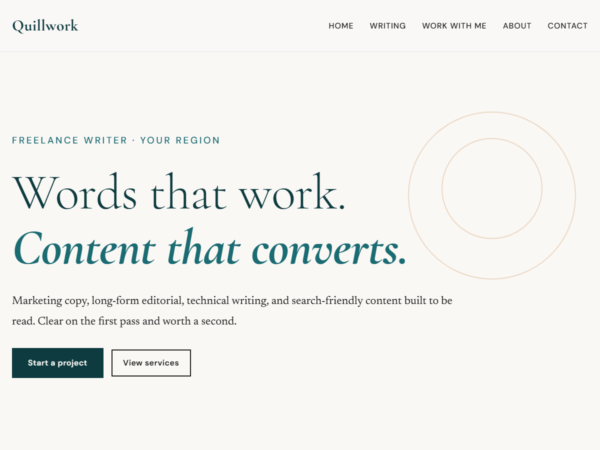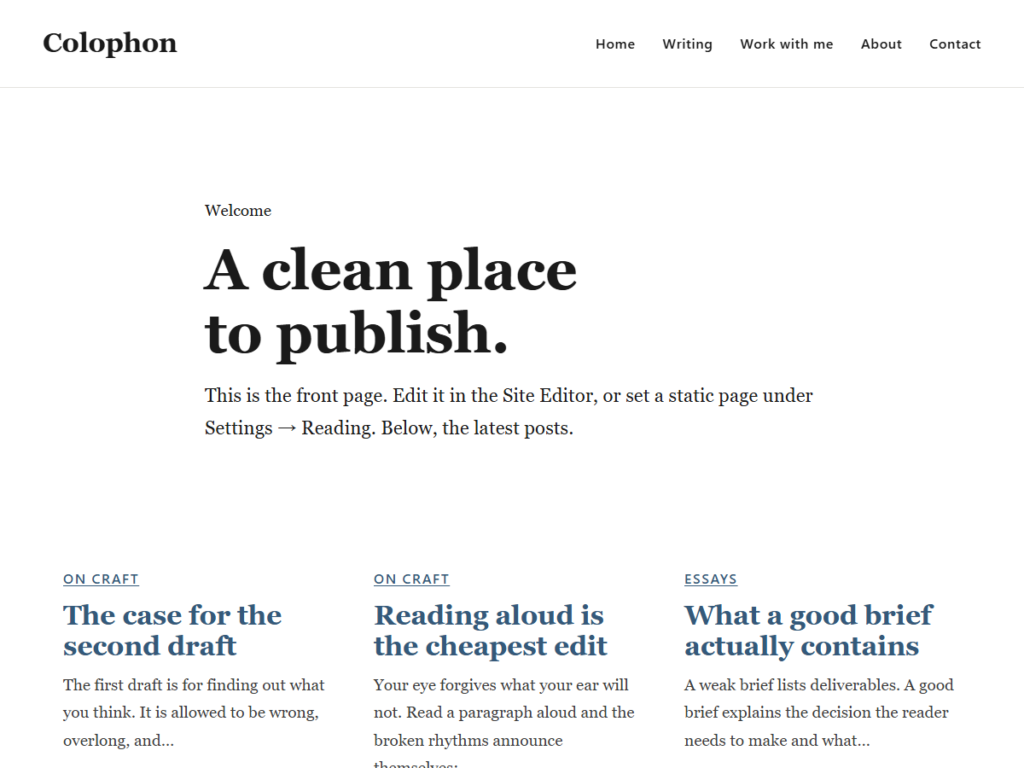
Colophon is the starter core I build the This Is My URL free themes on, and I give it away for the same reason I give away the themes: the method is more useful in your hands than locked in mine. It is deliberately plain — a clean set of bones with the accessibility, performance, and cascade discipline already handled, and the design left for you to add. If you just want a finished theme to install and use, start with Quillwork instead. Colophon is for the person who wants to build their own.
What you get
- A full-site-editing core — every template and template part editable in the Site Editor.
- WCAG 2.2 AA accessibility scaffolding: a skip link, visible focus outlines, sensible heading order, and reduced-motion honoured globally.
- Core Web Vitals discipline: zero front-end JavaScript, self-hostable OFL fonts, and no third-party calls.
- A six-layer CSS cascade and a semantic-token contract, so a re-skin never fights the core.
- The
colophoncommand-line tool for scaffolding a new theme and pulling core improvements forward without touching your design. - A removable GitHub updater, so an installed copy tells you in the dashboard when a new version ships.
Who it’s for
Theme developers, and people who would like to become them. If you have ever wanted to build a small line of themes that share a real core without a parent-theme dependency, this is the core I built to do exactly that. It assumes you are comfortable with theme.json and a block theme’s templates folder.
How to install
- Download the theme .zip from the button above.
- Upload it in WordPress under Appearance, Themes, Add New, Upload Theme, then Install Now and Activate.
- Get oriented at Appearance, Get started.
To build your own theme on Colophon, read ARCHITECTURE.md and GUIDE.md in the repository — they walk through the core-and-skin split and the command-line tool that does the mechanical half of a re-skin for you.
Staying up to date
Once you install Colophon from a GitHub release, it watches the repository and tells you in Appearance, Themes when a newer version is out — the same one-click update you get from any theme. If you would rather it did not do that, for example before submitting a theme built on Colophon to WordPress.org, delete the single file inc/github-updater.php and the updater is gone.
File details
- Version: 1.0.0
- Format: .zip (full theme)
- License: GPL-2.0-or-later
- Requires: WordPress 7.0 or newer, PHP 8.1 or newer