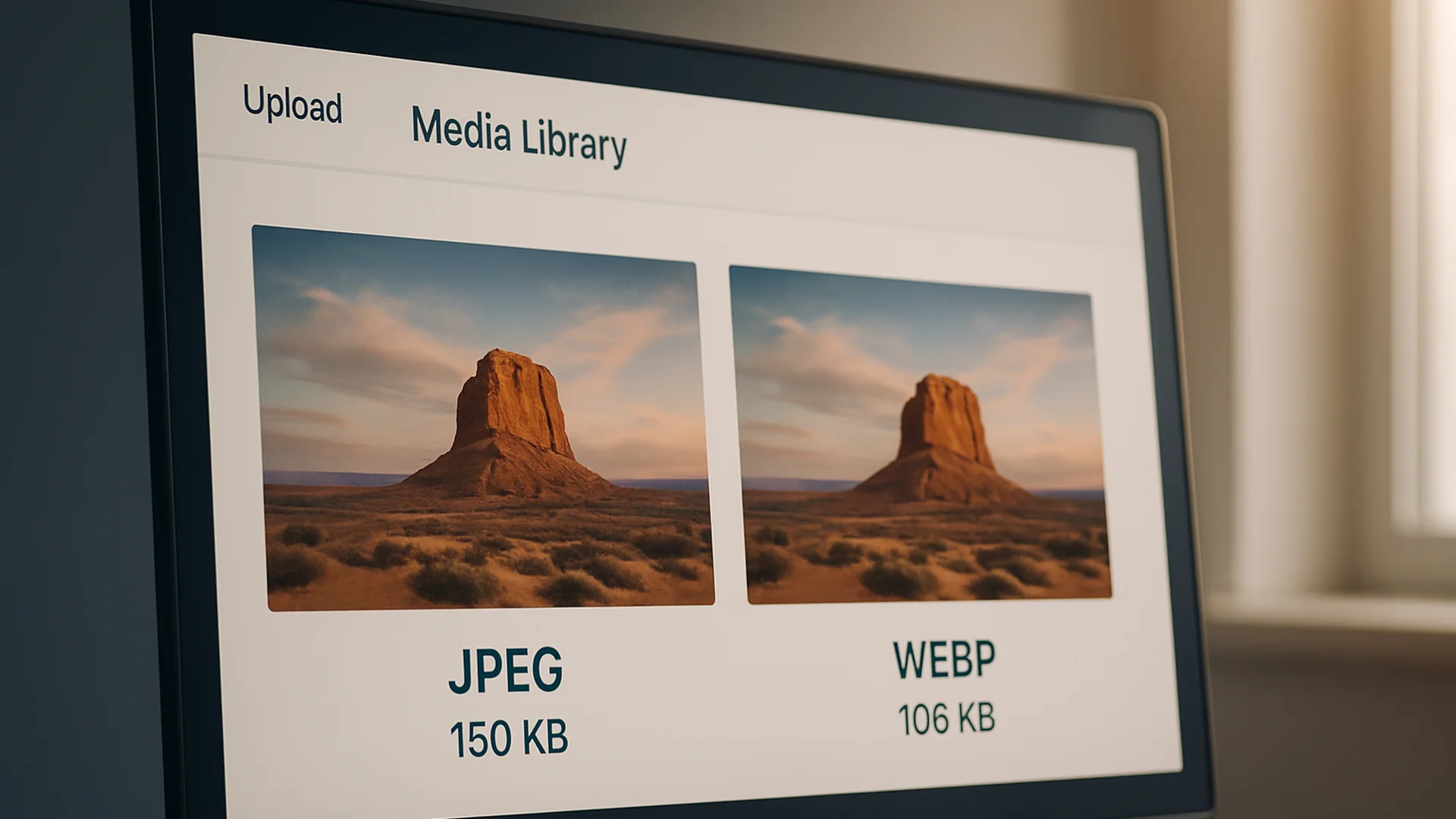
The first audit I run on any underperforming WordPress site is the image inventory, because image weight is almost always the biggest unfixed problem. WebP usually shaves 25–35% off a JPEG or PNG at the same visible quality. This plugin does the conversion server-side on every new upload: your hosting account, your CPU, no third-party API key to renew. Originals stay on disk, so nothing is destroyed if you ever need to roll back.
What you get
- Automatic WebP generation for every new
.jpg,.jpeg, and.pnguploaded to the Media Library - Original file kept on disk: non-destructive, fully reversible
<picture>output added to the front end so browsers that support WebP get the smaller file and older browsers fall back to the original- Quality setting baked in (default 82), picked because it’s the sweet spot between size and visible artefacts on real content
- No external API, no monthly subscription, no API key to manage
Who it’s for
WordPress site owners who care about page-weight and Core Web Vitals but don’t want a paid image-CDN bill or the “integration tax” of plugins that require an external account. Especially useful for content-heavy sites: tutorials, recipe blogs, portfolios, where the image catalogue keeps growing and you want every new upload to be small by default.
How to install and verify
- Download the plugin .zip from the button below.
- Upload via WordPress Admin → Plugins → Add New → Upload Plugin → Install Now → Activate.
- Activate. Conversion runs server-side on every new upload. There is no settings page; the defaults are the right defaults.
- Verify it’s working. Upload a JPEG to Media → Add New, then SFTP into
wp-content/uploads/<year>/<month>/. You should see both the original.jpgand a generated.webpsitting next to it. View any post containing the image and check the source: the<picture>tag should reference the.webpfirst with the.jpgas fallback.
Server requirement: the plugin uses PHP’s GD or Imagick library to do the conversion. If your hosting environment ships neither (rare on managed WordPress hosts; possible on bare-metal VPS), conversion silently no-ops and you keep the original behaviour. Check phpinfo() if a test upload doesn’t produce a WebP.
What it doesn’t do
Bulk-convert your existing image library. By design: bulk operations on a large Media Library are risky and the right tool for that job is a one-shot CLI script, not a plugin running through wp-admin. If you need to backfill, drop me a line.
File details
- Version: 1.0.0
- Last updated: December 19, 2025
- Format: .zip (single PHP file)
- License: GPL-2.0-or-later
- Tested with: WordPress 6.7 · PHP 8.1+ (GD or Imagick required)
Other downloads from this practice
- WordPress SVG Plugin. Safe SVG (Scalable Vector Graphic) (SVG) uploads in the Media Library, with sanitisation.
- WordPress HEIC Plugin. Auto-convert iPhone HEIC photos on upload so the page actually renders.
Common questions
Does this support high-concurrency environments?
Yes. The AJAX bulk processor works in small batches and pauses between them, so it spreads the load instead of hammering the disk all at once. On servers with strict I/O limits or heavy traffic, that pacing keeps conversions running without starving live visitors of resources.
Leave a reply