Margaret runs a gift shop on the main street, the kind with candles in the front window and a card rack by the till. Most mornings she opens her laptop to somewhere between 60 and 80 new emails. Supplier quotes, order confirmations, a customer asking if the blue mugs are back in stock, four newsletters she never remembers signing up for, and the usual spam about extended car warranties. All of it lands in one pile.
So she did the sensible thing. Gmail has a setting that promises to sort your mail by what matters, putting the important messages at the top. She switched it on. For a few days it felt like a small miracle. The customer questions floated up, the junk sank down, and she spent less time scrolling.
Then she missed a quote from her main candle supplier.
What it cost her
The supplier had sent a price lock: the wholesale rate she’d been asking about, held for 48 hours. Forty-eight hours, then it expired. The email came from a slightly different address than usual, because the supplier had changed systems. Gmail looked at that new address, saw it had no history with Margaret, and decided it wasn’t important. It dropped the message down below the newsletters.
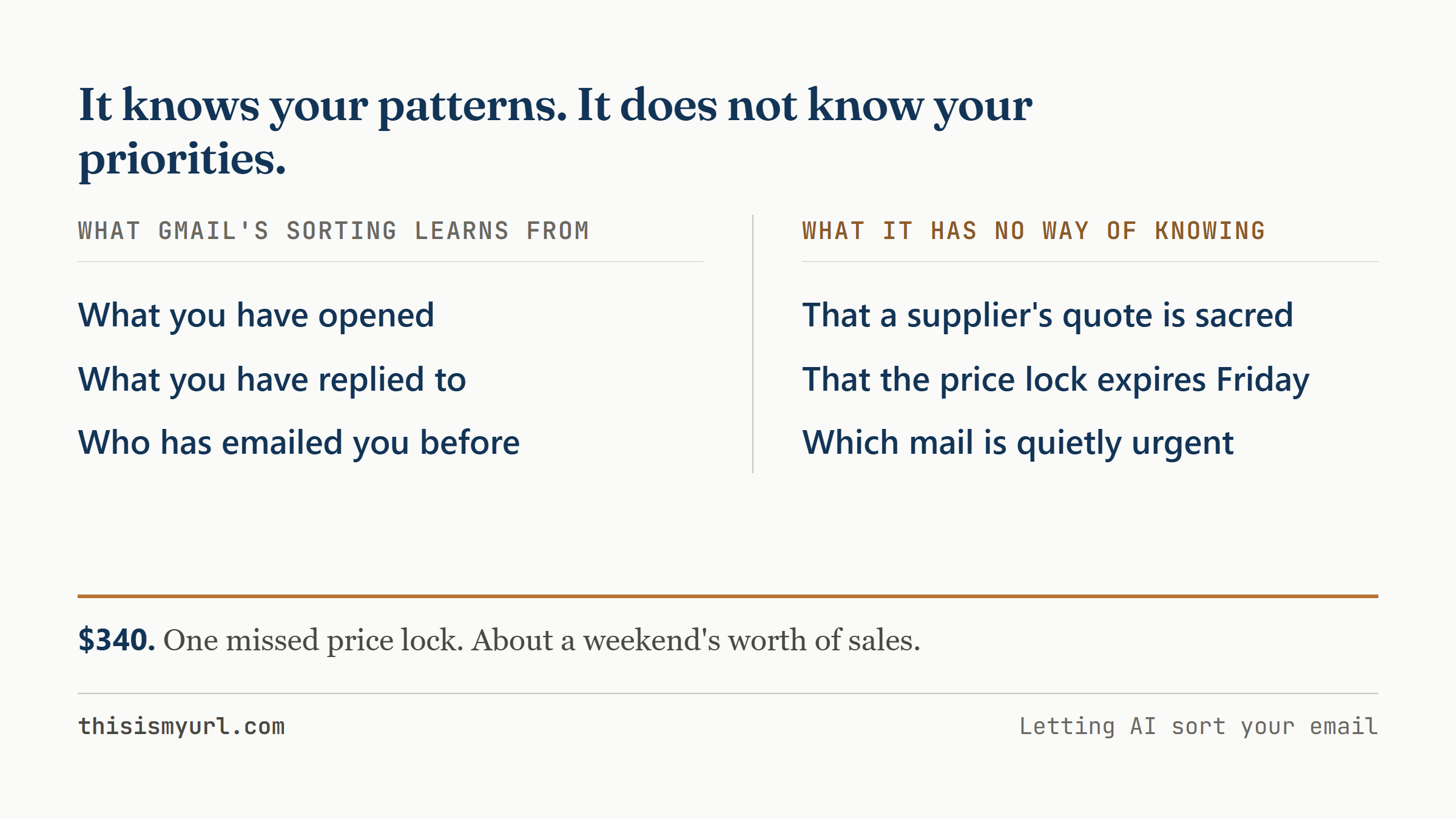
She found it three days later. By then the price had gone back up. The difference on her next candle order was about $340, a weekend’s worth of sales, and it stung more because she’d thought the sorting was handling exactly this kind of thing.
What just happened
The sorting feature did precisely what it was built to do, which is guess what’s important based on what you’ve opened, replied to, and starred in the past. It learns from your habits. The trouble is that Margaret’s habits didn’t contain the thing that mattered most that week. She had never emailed this new supplier address. There was no history for the tool to learn from, so as far as it could tell, the message was a stranger off the street.
Think of it like leaving a note for a house-sitter. If you write “water the plants,” they’ll water the plants. If you forget to mention the one fern in the back bedroom that needs water twice a week, it dies, and the house-sitter did everything on the list. The fern just never made the list. The sorting tool can only act on what you’ve told it, directly or through your past behaviour, and Margaret had never told it that candle suppliers were sacred.
That’s the catch with letting any tool sort your mail. It can’t read your mind, and it can’t know what’s quietly urgent in your particular business. It knows your patterns. It does not know your priorities. Those are not the same thing, and the gap between them is where the $340 lived.
Try this
Keep the feature on, and tell the tool what you mean by “important” before you trust it with anything. That takes three steps.
Before you touch a single setting, get a pen and paper. Write down the three kinds of email that cannot wait in your business. For Margaret that was: a time-sensitive offer from a supplier, a customer complaint, and anything about an order that’s already on its way to her. Yours will be different. The point is to decide this on paper, where it’s clear, well before an email is already buried.
Then open Gmail and go to Settings, then “See all settings,” then the “Filters and Blocked Addresses” tab, then “Create a new filter.” This is where you can build a rule that says: when an email comes from this address, or has this word in the subject line, star it and give it a label so it stands out and nothing can bury it. Add your candle supplier’s address. Add the word “invoice,” or “complaint,” or whatever your three categories need. These rules don’t guess. They do exactly what you say, every time.
The last step is the one most people skip: check what the rules catch every single day for the first two weeks. The first week especially will show you what’s slipping through. Maybe a supplier emails from two addresses and you only caught one. Maybe “urgent” in a subject line is mostly marketing and you need to drop it. Two weeks of five-minute morning checks and the thing settles into something you can trust.
Setting it up takes about half an hour. The daily check is five minutes. Compared to $340 and a candle order that came up short, that’s a cheap fix.
Margaret has the candle supplier’s new address pinned to the top of her inbox now. Last week a quote came in at 4 in the afternoon, good until the following day. She saw it before she’d finished her tea.