WordPress HEIC Plugin · Auto-Convert iPhone Photos on Upload
Free WordPress HEIC plugin that converts iPhone .heic photo uploads to WordPress-compatible JPEG automatically. No external API, GPL-licensed.
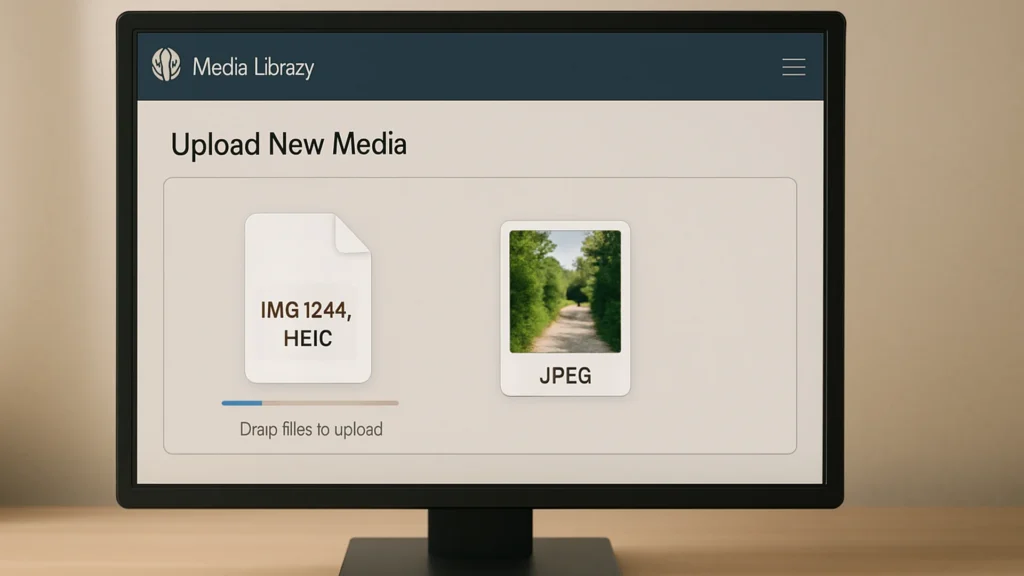
Your iPhone takes photos in HEIC. WordPress doesn’t display HEIC. Most browsers don’t either. Until last year I was telling clients to convert their photos before upload — which is the kind of advice editors politely nod at and then ignore. So I built this. Drop a .heic file into the Media Library and the plugin produces a JPEG twin server-side, registers it as the canonical image, and keeps the original on disk in case you ever want it back.
What you get
- Automatic JPEG generation for every
.heicand.heifupload - The JPEG is the version WordPress hands to the front end — your existing themes and templates “just work”
- Original HEIC kept on disk — non-destructive, fully reversible
- Quality setting 88 (slightly higher than WebP defaults — HEIC source files reward less aggressive compression)
- No external API, no cloud round-trip, no monthly bill
Who it’s for
WordPress site owners whose contributors are mostly on iPhones — agency editors, real-estate teams, hospitality operators, travel writers. The pattern is always the same: someone uploads a beautiful photo, the page renders an empty image box, and twenty minutes of debugging later you realize the file is HEIC. This plugin closes that loop so the upload “just works” the first time.
How to install and verify
- Download the plugin .zip from the button below.
- Upload via WordPress Admin → Plugins → Add New → Upload Plugin → Install Now → Activate.
- Activate. The MIME-type registration and conversion hook fire on activation. No settings page.
- Verify it’s working. Take a photo on an iPhone (default settings produce HEIC), AirDrop or email it to yourself, and upload it via Media → Add New. The Library should show a JPEG thumbnail immediately and the file should be insertable into a post. Before this plugin: an upload error or an empty thumbnail. After: a working image.
Server requirement: the plugin uses Imagick with HEIC support compiled in. Most managed WordPress hosts ship this; some bare-metal VPS images don’t. If a test upload doesn’t produce a JPEG, run convert -list format | grep -i heic on your host to confirm support.
Why I keep the original on disk
HEIC stores 10-bit colour and the JPEG twin is 8-bit. If you’re an editorial site that ever wants to publish a higher-fidelity version (a print-quality download, an Instagram crosspost, a future format upgrade), the source matters. Deleting it on conversion is a one-way door. Keeping it costs ~50% more disk per photo, which is cheap insurance against the future you who needs it back.
File details
- Version: 1.0.0
- Last updated: December 19, 2025
- Format: .zip (single PHP file)
- License: GPL-2.0-or-later
- Tested with: WordPress 6.7 · PHP 8.1+ (Imagick with HEIC support required)
Related Resources